
See more.
React faster.
Computer vision meets complete control.
Detect, script, and connect your entire setup
with Atlas for Windows.
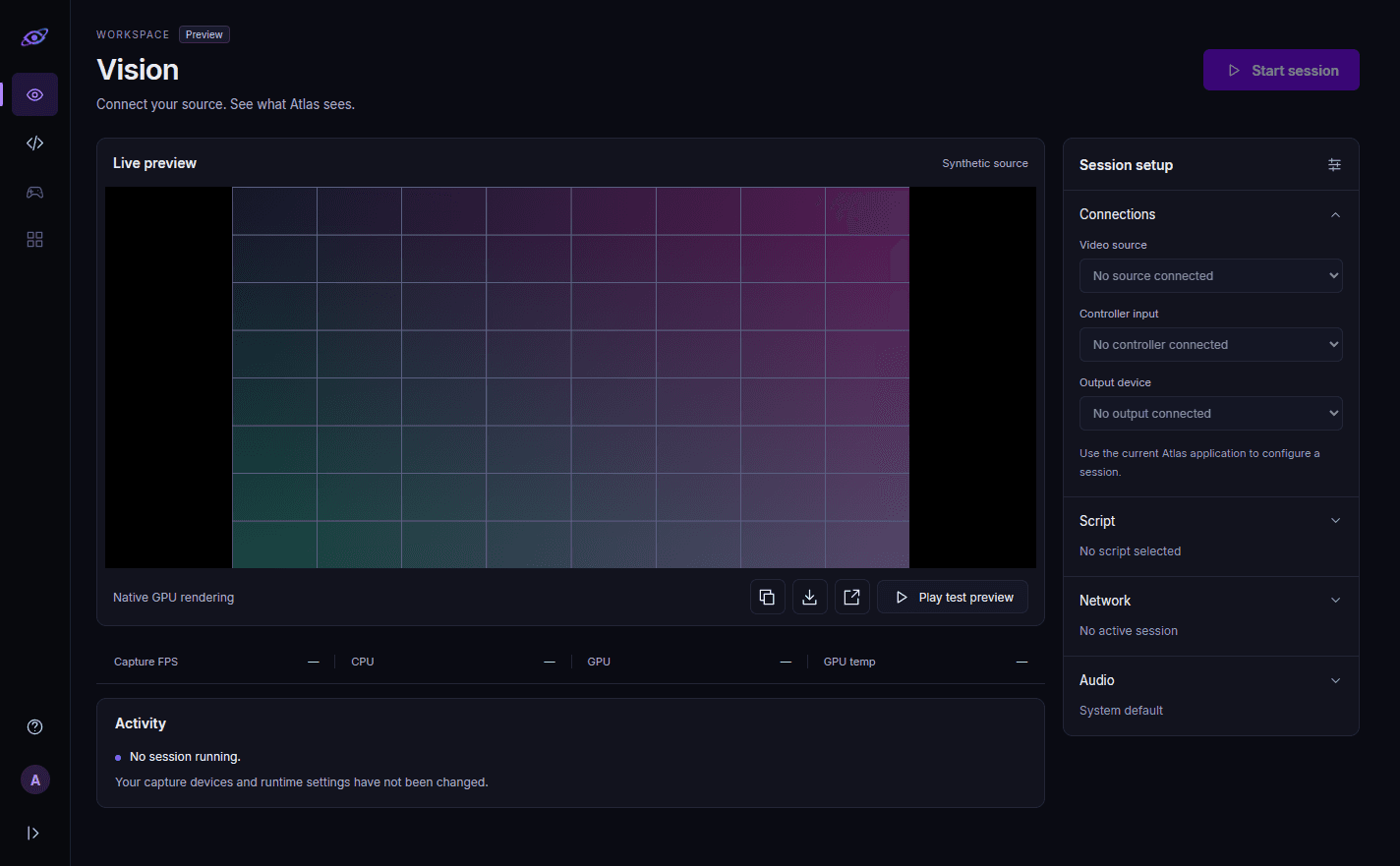
Set up in five steps.
From download to your first session, everything has its place.
- 01
Download
Check the official Downloads page for installer availability. Atlas runs on 64-bit Windows 10 (version 2004 or later) and Windows 11.
- 02
Input
Connect your capture source or your console through Remote Play.
- 03
Output
Choose Cronus Zen or a supported Remote Play connection.
- 04
Configure
Adjust detection, scripts, and settings to suit your setup.
- 05
Launch & go
Check your connections, start your script, and make it your own.
From what you see
to what you create.
A flexible vision platform that puts you in charge.
Build a workflow around the way you play.
Everything you need.
A connected experience, from your first account to your next session.
Advanced detection
Computer vision turns on-screen information into detection results you can build around.
Learn moreFlexible performance
Tune your capture, detection, and script configuration for the hardware you use.
Learn moreA clear setup
Follow the connection overview and get your input, output, and scripts working together.
Learn moreYour account, protected
Email verification and secure sign-in help keep your Atlas account under your control.
Learn moreGood questions.
Clear answers.
Get to know Atlas before you get started.
All frequently asked questionsWhat is Atlas Computer Vision?
Atlas is a Windows application that combines computer vision object detection with a custom scripting interface. Configure how visual information is processed and connect it to your supported output device or Remote Play setup.
What do I need to run Atlas?
A 64-bit PC with Windows 10, version 2004 or later (Windows 11 is recommended; N and KN editions also need the Media Feature Pack), a processor with AVX2, a graphics card with Direct3D 11 (feature level 11.0), and an internet connection while you use Atlas. The full system requirements are on the Compatibility page.
Do I need a Cronus Zen to use Atlas?
No. Atlas supports Cronus Zen and Remote Play for Xbox and PlayStation. Your connection path depends on your hardware and the features you want to use. Titan Two output is not available in this version.
When do I need to connect Discord?
Create an Atlas account with your email and password to make a purchase. Before you activate or use Atlas for Windows, you must link a verified Discord account from your Atlas account page.
Make it your Atlas.
Find your plan. Connect your setup. Take it from there.